

Key Takeaways
Summary
22 items · 20–45 minutes
Why a Periodic App Audit Is Worth Your Time
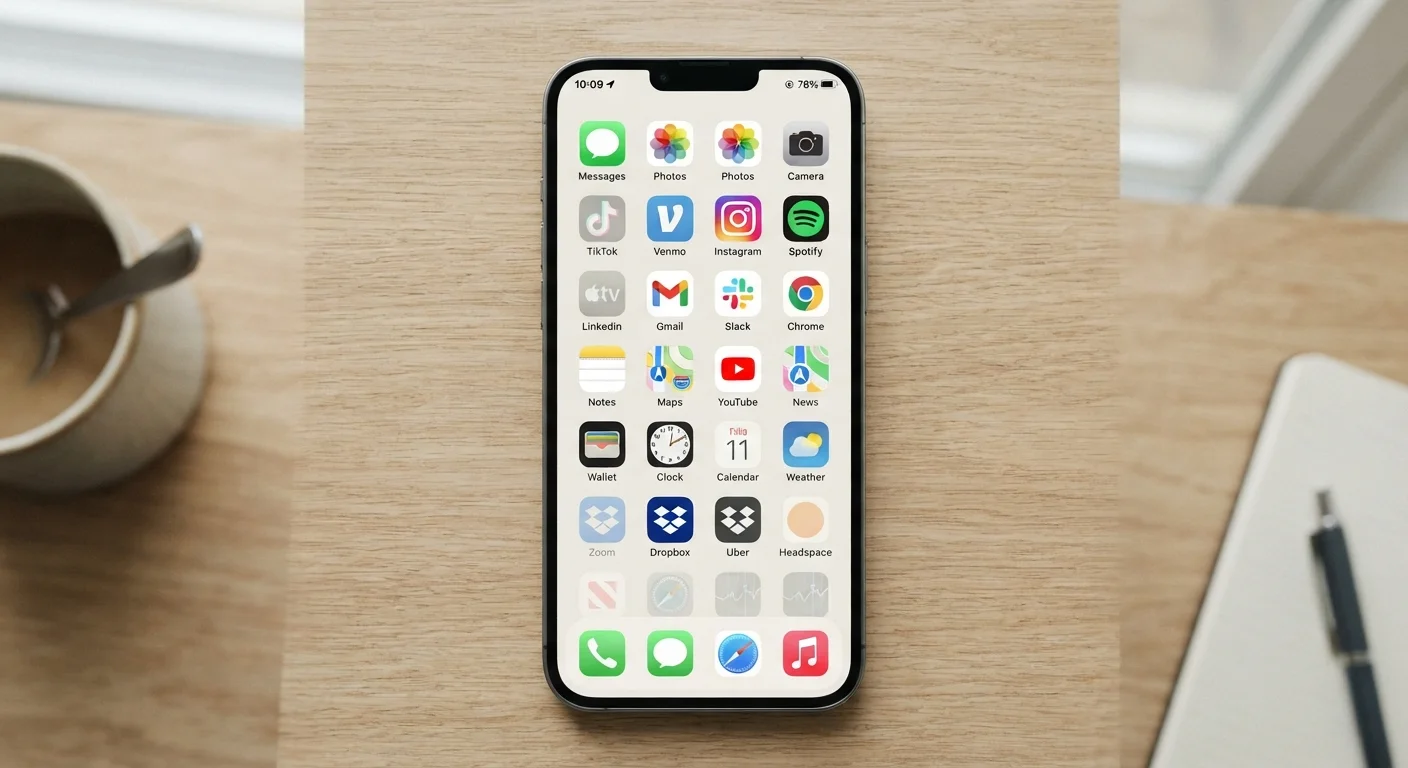
The average smartphone user has dozens of apps installed, yet research consistently suggests that a small fraction of those get opened on any given day. The rest sit quietly in the background — sometimes refreshing content, sometimes holding permissions to your location or microphone, and almost always occupying storage space you might put to better use.
An app audit isn't about minimalism for its own sake. It's a practical exercise in understanding what's running on your device, what it has access to, and whether it's still earning its place. Bloated app libraries are also a common factor in sluggish device performance — something worth understanding before assuming hardware is to blame. See our guide to background processes and performance for more context on how installed apps affect your device day-to-day.
This checklist walks you through the audit in four phases: gathering the full picture, assessing usage and value, reviewing permissions and subscriptions, and deciding what to keep, archive, or delete.
Device storage settings
Shows installed apps sorted by size and, on many platforms, indicates when each app was last used.
App store purchase or subscription history
Lists all active subscriptions and past purchases tied to your account, including ones you may have forgotten.
Device privacy / permissions settings
Shows which apps hold which permissions (location, camera, microphone, contacts) so you can review and revoke as needed.
Notepad or spreadsheet
Useful for cataloguing your app list and tracking decisions across a multi-session audit.
The App Audit Checklist
Work through each group in order. You don't need to complete everything in one sitting — the assessment phase is naturally the most time-consuming and can be spread across a few sessions.
Phase 1 – Get the Full Picture
Phase 2 – Assess Usage and Value
Phase 3 – Review Permissions and Privacy
Phase 4 – Act on Your Findings
Deleting an App Doesn't Cancel Its Subscription
This is one of the most common mistakes in an app cleanup. Removing an app from your device leaves any active subscription running and billing you — the cancellation must be done separately through your app store account settings or directly with the service provider. Always check for active billing before you uninstall.
Once you've cleared out what no longer serves you, it's worth spending a few minutes reviewing the settings on the apps that remain. Many default configurations prioritise app engagement over your preferences. Our article on underused settings worth adjusting covers changes that can meaningfully improve how your remaining apps behave.
If you use one device for both work and personal tasks, you may also benefit from a more structured separation approach — the considerations are meaningfully different when professional data and personal data share the same app library. See keeping personal and work apps separate on a single device for practical approaches.
Your Account Data May Persist After Deletion
Uninstalling an app removes it from your device, but your account and any data stored on the service's servers typically remain. If you want your data removed, you usually need to explicitly delete your account through the app or the provider's website before or after uninstalling. Privacy laws in some US states grant the right to request data deletion — check the service's privacy policy for instructions specific to that platform.