

Key Takeaways
Display Specifications
Display specifications are measurable technical characteristics of a screen — such as how many times per second it redraws the image, how many pixels it packs in, and how bright it can get. These numbers appear on product pages and packaging but rarely come with plain-language explanations. Understanding them helps you judge whether a screen will actually suit the way you use it.
Specs like refresh rate and resolution interact with your device's graphics hardware; a screen may support high specs that the connected device cannot fully drive.
Refresh Rate: Why Smoothness Has a Number
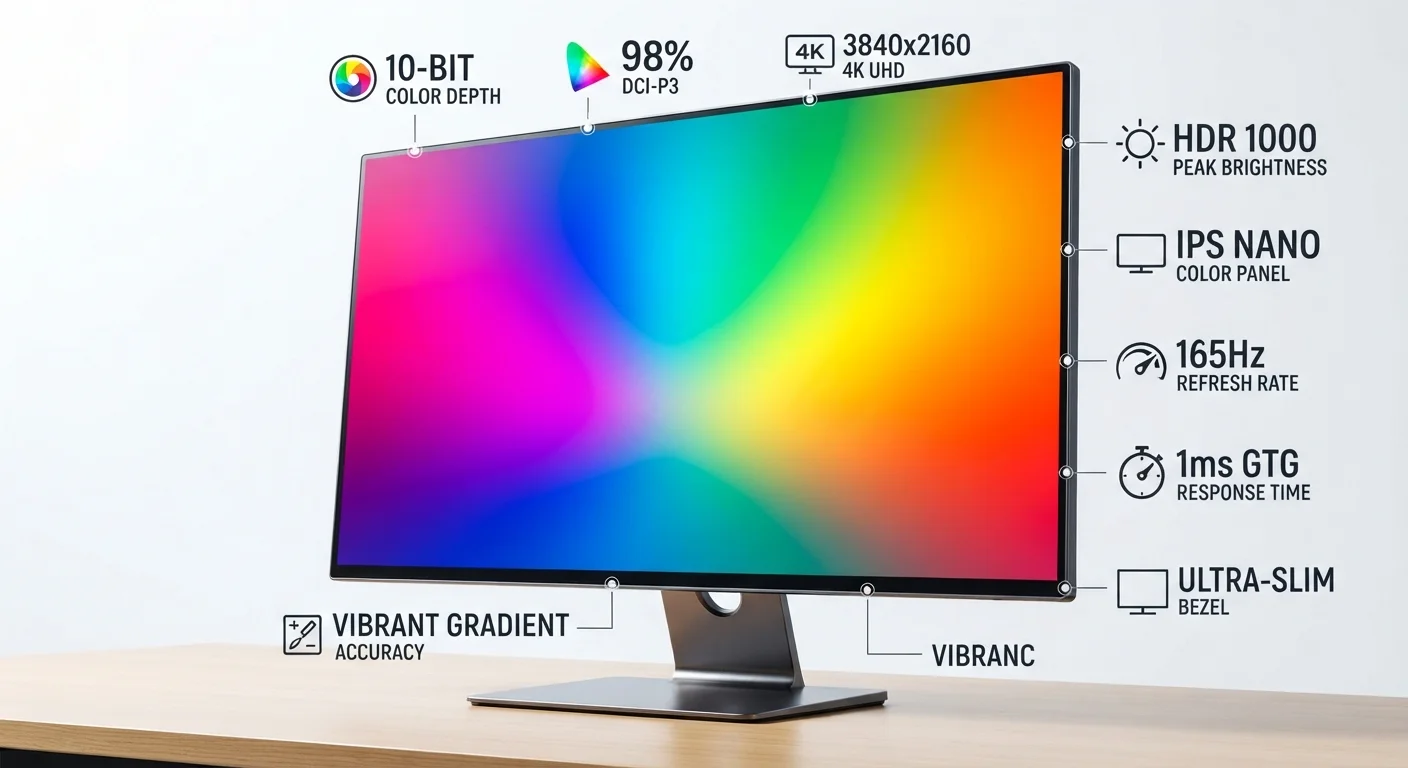
Refresh rate is measured in hertz (Hz) and tells you how many times per second a display redraws the image it's showing. A 60Hz screen updates 60 times every second; a 120Hz screen updates 120 times. The practical result is that higher refresh rates make motion look smoother — scrolling text, fast-moving video, and on-screen cursor movement all feel more fluid.
The difference between 60Hz and 120Hz is clearly perceptible to most people during fast motion or gameplay. The gap between 120Hz and 240Hz is subtler and becomes relevant mainly in competitive gaming where reaction time is critical. For watching movies, reading, or video calls, 60Hz is typically indistinguishable from higher rates because the source content itself isn't changing that rapidly.
Match Refresh Rate to Your Content Source
Before prioritizing a high refresh rate, consider what you'll actually be displaying. Most streaming video runs at 24–60 frames per second, so a 60Hz display handles it without compromise. Higher refresh rates pay dividends most clearly in gaming or when using operating system animations — not for everyday video or static content.
It's also worth knowing that a screen's refresh rate only delivers its full benefit if the device driving it — whether a laptop, gaming console, or PC — can push content at a matching frame rate. A mismatch between the two limits what you actually see.
Resolution: Pixels, Sharpness, and Screen Size
Resolution describes the total number of pixels arranged across a screen, stated as width × height. Common labels include Full HD (1920×1080), QHD (2560×1440), and 4K UHD (3840×2160). More pixels mean finer detail — text looks crisper, images show more gradation, and small UI elements are easier to read.
Crucially, resolution alone doesn't define sharpness. Pixel density — measured in pixels per inch (PPI) — is what actually determines how sharp an image looks at your normal viewing distance. A 4K display on a 65-inch TV viewed from across the room may appear no sharper than a 1080p display on a 24-inch monitor viewed from two feet away. Screen size and viewing distance both factor into whether extra resolution translates to visible benefit.
60Hz
Minimum refresh rate on most standard displays
60Hz has been the baseline for consumer monitors and laptop screens for over a decade, sufficient for standard video and productivity tasks.
1080p
Most common global display resolution
Full HD (1920×1080) remains the most widely used resolution across laptops, monitors, and televisions, balancing sharpness with hardware demands.
1,000+ nits
Peak brightness for HDR-capable screens
HDR10 and Dolby Vision standards specify peak brightness levels of 1,000 nits or more to render highlight detail in high-dynamic-range video content.
This is why chasing the highest resolution number isn't always the most practical approach, as explored further in our article on spec misconceptions that lead people astray.
Brightness: What Nits Mean in Practice
Brightness is measured in nits (formally candelas per square meter, cd/m²). The spec tells you the maximum light output a screen can produce. Why does it matter? In bright environments — a sunlit room, an outdoor patio, or near a window — a dim display washes out and becomes hard to read. Higher nit counts preserve legibility in those conditions.
For context: a typical indoor office monitor might rate around 250–350 nits, which is comfortable in controlled lighting. Laptops designed for outdoor or mobile use often target 400–600 nits. Some high-end screens used for HDR (High Dynamic Range) content can reach 1,000 nits or more, which enables realistic rendering of specular highlights in video.
HDR Labels Don't Guarantee Performance
Many screens are marketed as "HDR-compatible" but have brightness levels too low to deliver a meaningful HDR experience. True HDR benefit generally requires sustained brightness of 600 nits or more and strong local dimming capability. A screen labeled HDR400 meets a minimum threshold but may not visibly outperform a non-HDR screen in practice.
Beyond raw brightness, contrast ratio — the difference between the darkest black and brightest white a screen can display simultaneously — affects perceived image depth just as much as peak nits. A screen with a high contrast ratio can appear vivid even at moderate brightness.
Reading Specs Together, Not in Isolation
No single spec tells the whole story. A display with a high refresh rate but a dim panel may look great in a dark room but become unusable on a bright desk. A very high-resolution screen can look worse than a lower-resolution one if its contrast or color accuracy is poor. These three specs — refresh rate, resolution, and brightness — each address a different dimension of the viewing experience.
Panel technology also plays a role that specs don't always surface: IPS panels generally offer wider viewing angles and better color consistency; OLED panels deliver near-perfect black levels; VA panels often provide higher contrast at lower cost. Understanding how specs and panel type interact gives a more complete picture than any one number alone.
Display specs are one category where the same principle applies across many hardware decisions: a number without context can mislead as easily as it informs. Just as internet speed numbers like Mbps require latency and upload figures alongside them, display specs only become meaningful when read as a set against your actual use case.