

Key Takeaways
Internet Speed Metrics
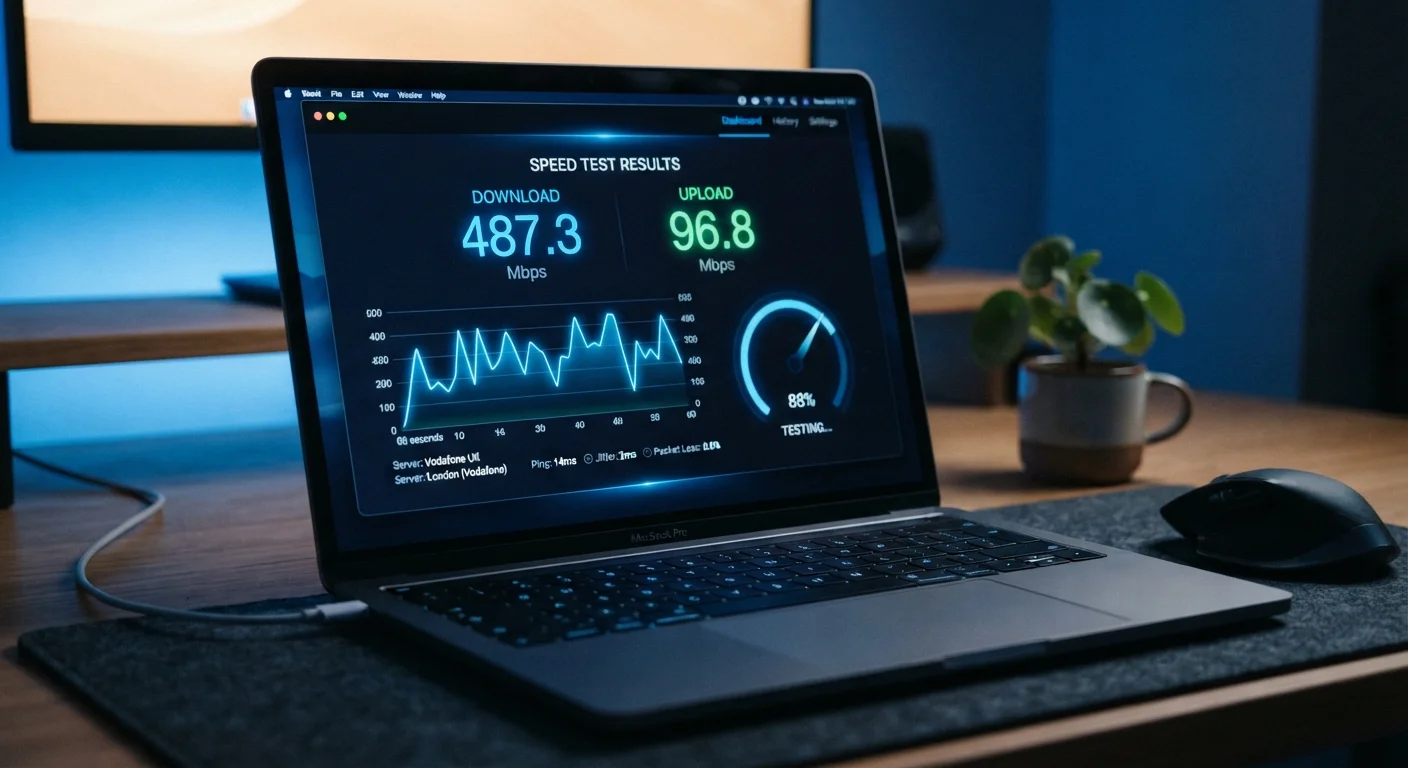
Internet speed is commonly measured in Mbps (megabits per second), which indicates how much data travels to or from your device each second. But raw speed alone doesn't tell the full story — latency, which measures the delay in data round-trips, and jitter, which tracks how consistent that delay is, determine how your connection actually feels during real use.
Mbps measures throughput (bandwidth), while latency is measured in milliseconds (ms) and reflects network round-trip time, often called ping. These two dimensions are largely independent of each other.
What Mbps Actually Measures
When an internet plan advertises "200 Mbps," it's describing throughput — the maximum volume of data that can flow through your connection per second. One megabit equals one million bits, so 200 Mbps means up to 200 million bits of data arriving each second. That translates to roughly 25 megabytes per second (MB/s), since there are 8 bits in a byte.
Throughput governs tasks that move large amounts of data: downloading files, streaming video, loading image-heavy websites. Higher Mbps generally means faster downloads and the ability to handle more simultaneous users without degradation. To understand what else shapes that experience at the hardware level, see how your modem, router, and access point work together.
25 Mbps
FCC minimum broadband download threshold
The U.S. Federal Communications Commission defines broadband as a connection offering at least 25 Mbps download and 3 Mbps upload, though many households need considerably more.
~600 ms
Typical geostationary satellite latency
Traditional satellite internet connections can exhibit latencies around 600 milliseconds due to the physical distance signals travel to orbit and back, making real-time applications difficult.
8:1
Typical download-to-upload ratio on residential plans
Many standard cable and DSL plans allocate significantly more bandwidth to downloads than uploads, reflecting typical consumer usage patterns.
Download speed and upload speed are separate figures. Download covers data coming to your device — streaming a movie, loading a page. Upload covers data going from your device — sending an email attachment, joining a video call, or backing up photos to cloud storage. Most residential plans offer asymmetric speeds, with upload significantly lower than download.
Latency: The Metric Speed Tests Often Bury
Latency — commonly called ping — is the time it takes for a small data packet to travel from your device to a remote server and return, expressed in milliseconds (ms). It has nothing to do with how much data moves; it measures how quickly a round-trip completes.
For interactive, real-time applications, latency is often more important than raw Mbps. A video call, online game, or financial trading platform depends on rapid back-and-forth exchanges. High latency means each exchange takes longer, producing the perception of lag even when download speeds look excellent on paper.
“Bandwidth is about capacity; latency is about responsiveness. Confusing the two leads users to overpay for speed they don't need while tolerating delays that actually hurt their experience.”
— Network engineering principle, Widely cited distinction in computer networking education
Latency is influenced by physical distance to servers, the type of connection (fiber tends to have lower latency than satellite), network congestion, and the number of routing hops your data takes. DNS lookup delays can also add perceived latency to every new website you visit, even if your ping to a speed-test server looks low.
Jitter: When Consistency Matters as Much as Speed
Jitter is the variation in latency over time. If your ping to a server measures 20 ms on one packet, 45 ms on the next, and 18 ms on the one after, that inconsistency is jitter. It's measured in milliseconds and indicates how predictable your connection is.
A connection with low average latency but high jitter can still produce choppy audio, stuttering video, and erratic gameplay. Voice and video protocols compensate for jitter using buffers, but large or unpredictable jitter overwhelms those buffers. For most everyday tasks, jitter under about 10–20 ms is generally considered acceptable, though real-time applications benefit from even lower values.
Test at Different Times of Day
Network congestion — and therefore latency and jitter — often spikes during evening peak hours when more users are online. Running speed tests in the morning, afternoon, and evening gives a more representative picture of your connection's real-world consistency than a single midday measurement.
Jitter is often a symptom of network congestion — either on your local network (too many devices competing for bandwidth) or on your ISP's infrastructure during peak hours. identifying which devices consume the most bandwidth at home can help reduce jitter-inducing congestion.
Putting the Numbers Together
Understanding these three metrics together — download Mbps, latency, and jitter — gives a much clearer picture than any single number alone. Here's a practical breakdown by activity:
- Streaming video: Primarily a bandwidth (Mbps) concern. HD streaming typically requires 5–25 Mbps; 4K can require 25 Mbps or more per stream.
- Video calls: Moderate upload and download speeds matter, but low latency and low jitter are equally important for natural conversation flow.
- Online gaming: Bandwidth requirements are modest (often under 10 Mbps), but latency under 50 ms and minimal jitter are critical.
- File downloads and cloud backups: Pure throughput — higher Mbps reduces wait times directly.
- General browsing: Modest bandwidth, but latency affects how snappy pages feel to load, especially on content-heavy sites.
If you're evaluating what your router hardware can handle across these scenarios, decoding your router's spec sheet can clarify which hardware features affect throughput and latency at the device level. And when you run a speed test to benchmark your connection, it's worth understanding what those results actually capture and where they fall short.