

Key Takeaways
Why Speed Test Results Are Rarely the Whole Story
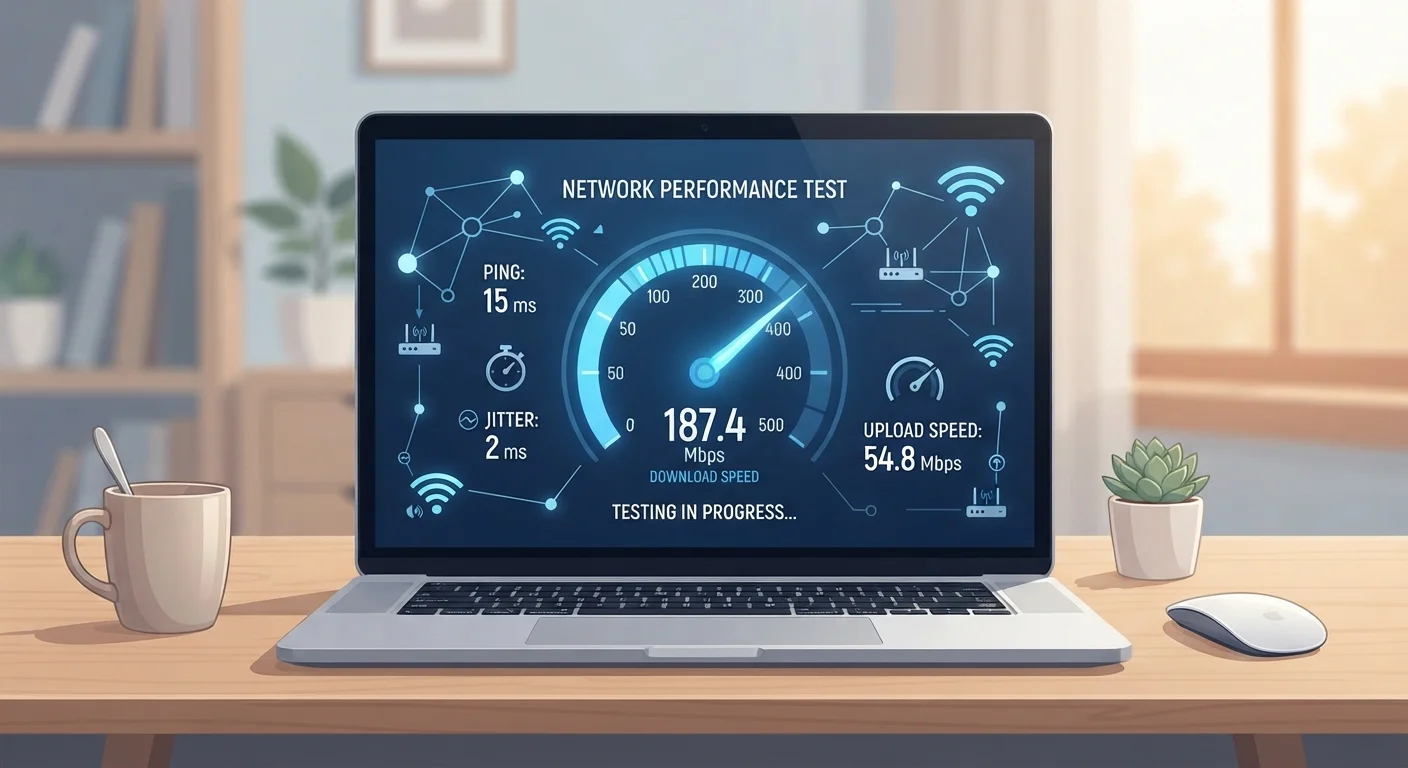
Running an internet speed test feels satisfying — a number appears, you compare it to your plan, and you either feel reassured or frustrated. But that single number captures far less than most users realize. Speed tests measure the rate at which data moves between your device and a specific test server at a specific moment. They say almost nothing about how your connection behaves during a video call at 6 PM, a large file upload on a weekday morning, or a gaming session on a Saturday night.
To interpret speed test results accurately, it helps to understand what's actually being measured — and what's being left out entirely. For a solid grounding in the core metrics, see our guide on Mbps, latency, and why they both matter.
Myth
If my speed test matches my plan's advertised speed, my internet is working perfectly.
Fact
Matching advertised speed only confirms peak throughput to one server — it doesn't reflect real-world performance across all conditions.
ISPs advertise maximum speeds, not guaranteed averages. A test matching that ceiling simply confirms your line is capable of that rate under ideal conditions — typically off-peak hours, wired connection, and a nearby server. Congestion, routing inefficiencies, and Wi-Fi interference can all reduce your experienced speed significantly without ever showing up in a favorable test result.
Myth
Download speed is the only number that matters on a speed test.
Fact
Upload speed, latency, and jitter are equally critical metrics depending on how you use your connection.
Download speed dominates because streaming and browsing are download-heavy. But video calls, cloud backups, and remote work depend heavily on upload speed. Latency — the round-trip delay measured in milliseconds — determines how responsive your connection feels during gaming or voice calls. High jitter (inconsistent latency) causes choppy audio and video even when average latency looks acceptable.
Myth
A speed test accurately reflects how fast every website and app will load.
Fact
Speed tests measure throughput to a single nearby server; real-world app performance depends on many additional variables.
Test servers are typically hosted close to users and on high-bandwidth infrastructure, designed to produce the best possible result. Actual traffic to streaming platforms, cloud services, or gaming servers travels different paths, crosses more network hops, and may be subject to throttling or peering limitations between networks. A fast test result cannot guarantee a smooth experience with any specific service.
Myth
Running one speed test at any time of day gives you a reliable baseline.
Fact
A single test is a snapshot; network performance varies substantially by time of day, device load, and connection method.
Internet congestion peaks during evening hours when households are simultaneously streaming, gaming, and browsing. A test run at 9 AM on a wired connection may show speeds far higher than what you experience during primetime. For a meaningful baseline, run tests at multiple times across several days, using both wired and wireless connections, to capture the real range of your connection's behavior.
Myth
A slow speed test result always means your ISP is underdelivering.
Fact
Many factors between your modem and your device — including your router, Wi-Fi band, and device hardware — can limit measured speed.
Your ISP delivers a signal to your modem, but that's only the first link in the chain. An aging router, a congested 2.4 GHz Wi-Fi band, an older device with a slow network adapter, or simply testing from a room far from the router can all cap your speed well below what your ISP is actually providing. Testing with a wired ethernet connection directly to your modem isolates ISP performance from home network variables.
What Speed Tests Miss — and Why It Matters
Even a perfectly accurate speed test result doesn't tell you how your connection performs under the conditions you actually use it. Network congestion during peak hours, Wi-Fi interference from neighboring devices, the routing path your traffic takes to reach different websites — none of these are captured in a standard test.
~40%
Performance drop on 2.4 GHz vs. 5 GHz Wi-Fi
Network engineers commonly observe significant throughput differences between Wi-Fi bands due to interference and congestion on the crowded 2.4 GHz spectrum.
20+ ms
Latency threshold where gaming feels sluggish
Gaming and real-time applications generally perform well under 20 ms round-trip latency; above this threshold, responsiveness noticeably degrades.
Latency and jitter (the variation in latency over time) are arguably more important than raw download speed for activities like video conferencing and online gaming, yet many users focus exclusively on the Mbps figure. Similarly, if your household has multiple simultaneous users, your effective per-device bandwidth can be dramatically lower than the headline number. Our article on what drains your home connection breaks down exactly how shared usage erodes available speed.
Don't Rely on a Single Test Result
One speed test taken at one moment is not a reliable performance benchmark. Network conditions fluctuate based on time of day, household device usage, and ISP infrastructure load. If you're troubleshooting a slow connection, run at least five to ten tests across different times and connection methods before drawing conclusions or contacting your provider.
DNS resolution speed is another overlooked factor. Even with a fast connection, slow DNS lookups add latency to every new website visit. Learn more in our explainer on DNS and its impact on speed and privacy. Finally, avoid assuming that a higher-priced internet plan or router automatically solves performance problems — spec misconceptions can lead you astray when diagnosing connectivity issues.