

Key Takeaways
Subscription Software
Subscription software is a program or app you pay for on a recurring basis — monthly or annually — rather than making a single upfront purchase. You receive access to the software while your payments are current, but that access ends if you cancel or stop paying. Unlike traditional software licenses, you don't own a permanent copy of the product.
In licensing terms, most subscriptions grant a revocable, non-transferable license to use the software. The underlying code, data structures, and intellectual property remain the property of the vendor at all times.
The Old Model vs. the New Model
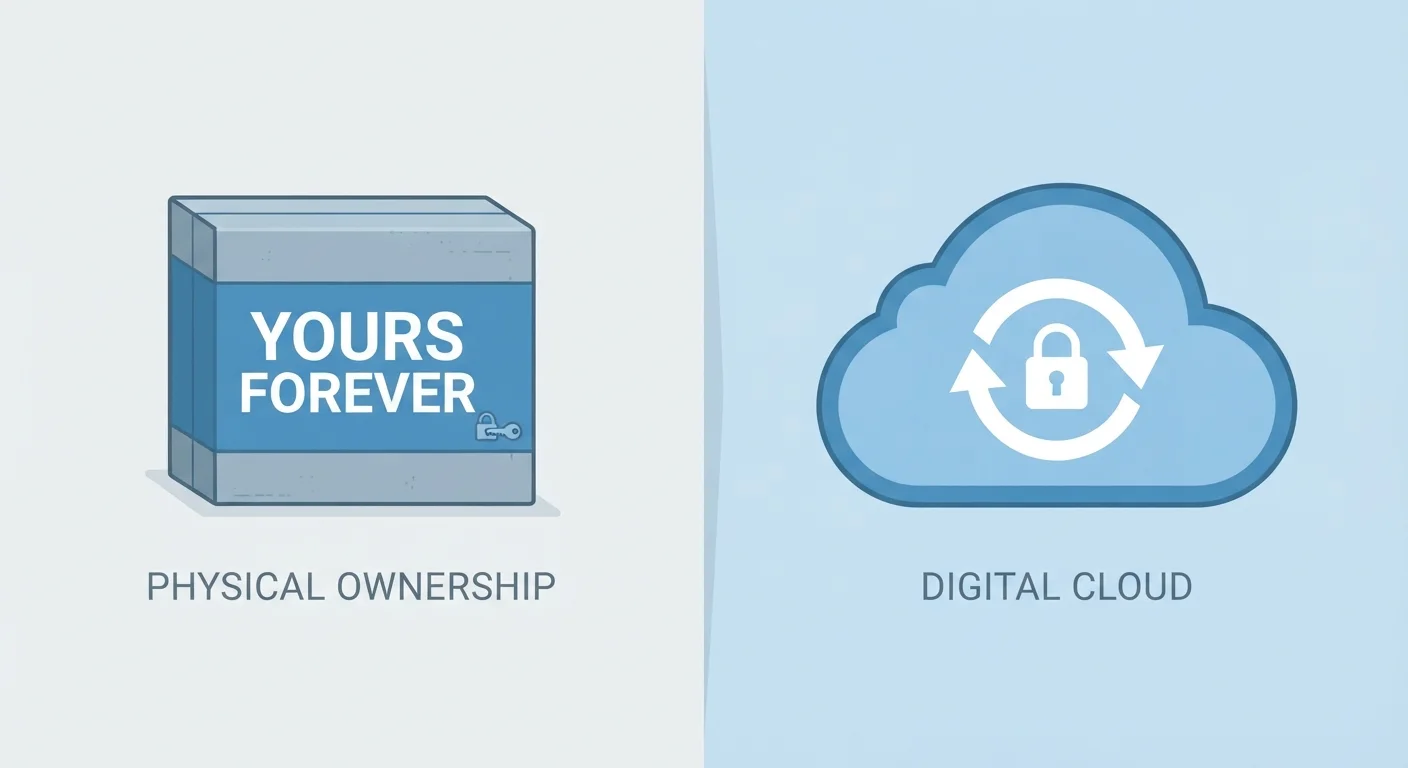
Not long ago, buying software meant walking out of a store with a disc in a box. You paid once, installed the program, and it was yours — indefinitely. That model, known as a perpetual license, gave users a permanent right to run a specific version of the software regardless of what the developer did next.
Today, the dominant model is subscription-based. Companies like Adobe, Microsoft, and many smaller developers now distribute their tools through monthly or annual plans. From the vendor's perspective, this creates predictable revenue. From the user's perspective, it introduces a new kind of dependency: your ability to use the software is tied to an ongoing financial relationship.
The distinction matters practically. With a perpetual license, version 10 of a program remains usable in 2035 even if the company goes out of business tomorrow. With a subscription, the moment payments stop — for any reason — access stops too. This is less like buying a book and more like renting an apartment. The analogy isn't perfect, but it's illuminating: just as buying versus renting a home involves different rights and risks, so does purchasing versus subscribing to software.
~70%
Software revenue now from subscriptions
Industry analysts broadly estimate that subscription and cloud-based delivery now accounts for the majority of commercial software revenue globally, a dramatic shift from the perpetual-license era.
$30–$600
Typical annual subscription cost range
Subscription pricing for common productivity and creative tools spans widely, from under $30/year for lightweight apps to over $600/year for professional creative suites.
2–4 years
Break-even vs. perpetual license (typical)
For many professional software titles, cumulative subscription costs generally equal or exceed the one-time perpetual license price within two to four years of continuous use.
What You Actually Get With a Subscription
When you subscribe to a software service, you are purchasing access, not a copy. The vendor retains ownership of the code. What you receive is a revocable license — the right to use the software as long as your account remains in good standing.
That said, subscriptions typically bundle real value beyond just the application itself:
- Automatic updates: Security patches, bug fixes, and new features roll out without requiring a separate purchase.
- Cloud storage and sync: Many subscription apps store your work on remote servers, making it accessible across devices.
- Customer support: Active subscribers often receive priority support channels.
- Cross-device access: One subscription frequently covers multiple installations or devices simultaneously.
Understanding how a subscription app actually runs — whether it's a native application or delivered through a browser — also affects performance and offline capability. Our guide to native apps vs. web apps explains why that distinction matters more than most users realize.
Check Before You Subscribe
Before committing to any subscription, locate the vendor's data export options and cancellation policy. A few minutes of research upfront can save significant frustration if you ever decide to switch tools or stop using the service.
The Data Question: Where Your Files Live
One of the most consequential — and underappreciated — aspects of subscription software is what happens to your files and data when you leave. If a subscription app stores your work in a proprietary cloud format, canceling may mean losing convenient access to years of documents, designs, or records.
Before committing to any subscription tool, it's worth asking three questions:
- Can I export my files in a format that other programs can open?
- How long does the vendor retain my data after I cancel?
- Is there a free or reduced-access tier that preserves read-only access to past work?
The answers are almost always in the terms of service — a document worth skimming at least once. Vendors can and do change subscription terms, pricing, and features with advance notice. This is structurally similar to how rent increases and lease renewals work: the landlord sets new terms, and you decide whether to continue. The power dynamic in subscription software is comparable.
Free Tiers Aren't Always Permanent
Many subscription apps offer a free tier to attract new users, but vendors can reduce or eliminate that tier at any time. If your workflow depends on a free plan, periodically verify that the terms haven't changed — and maintain local backups of any critical files.
Making an Informed Choice
Neither subscription nor perpetual licensing is inherently superior. The right model depends on how you use software, how long you'll need it, and how much you value having the latest features versus a stable, unchanging tool.
Subscriptions tend to make sense when you need current features, work across multiple devices, or prefer predictable small payments over large upfront costs. Perpetual licenses make sense when your workflow is settled, internet connectivity is unreliable, or you simply want software that works the same way indefinitely without ongoing cost.
The financial comparison is structurally similar to leasing versus buying a car: leasing offers lower monthly costs and access to newer models, while buying builds equity and removes the recurring payment. Neither answer fits everyone. The same logic applies when choosing between a monthly software subscription and a one-time license.
Whatever you choose, review what you're committing to — including how your files are stored, what the cancellation process looks like, and whether a free tier exists as a fallback. Being an informed subscriber means knowing exactly what you're renting before you sign.